Mac Edition
Build your own Claude Code agent, step by step.
Price includes VAT.
Have a discount code?
By ordering you agree to the Terms and Conditions. How we handle your data: Privacy Policy.
Secure payment by Stripe: card, Apple Pay, Google Pay or PayPal. We never see your card details.
What you get
- 50 steps in order, from installing nothing to running your own agent
- A personal access link, no account and no password
- Personal help by email if you get stuck
- Works on up to 2 of your devices
- 9 languages built in, switch any time while you read
- Progress saved on your device, so you pick up where you stopped
- Edition written and tested on Mac
Who it is for
Complete beginners. No coding, no jargon, nothing assumed. Also for people already using AI: if you have only ever typed into a chat window, the second half of the course is new ground, an agent that works on your own machine with your own files.
Course outline: all 50 steps
Every step builds on the one before. This is exactly what you will go through.
Module 01 Orientation 5 steps
- You're not late.
- Chatbot vs. agent
- Why we're working in the terminal
- How much this actually costs
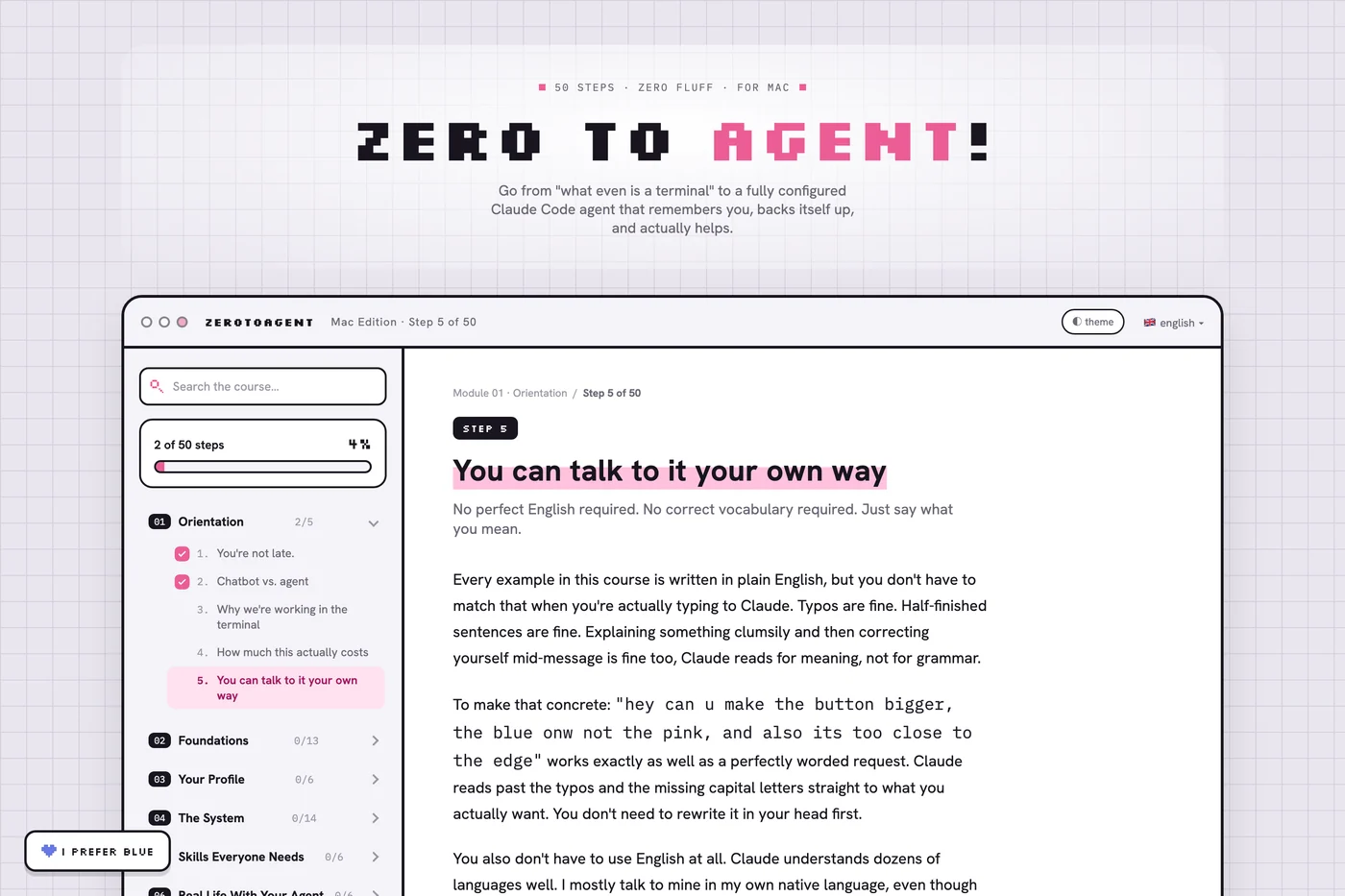
- You can talk to it your own way
Module 02 Foundations 13 steps
- Get over your fear of the terminal
- Install Claude Code
- Your first real task
- Six commands worth knowing
- Set up Ghostty
- Permissions, part 1: start safe
- Permissions, part 2: allow the safe stuff for good
- "Just Ask": the habit that replaces every tutorial
- What an API actually is
- Claude in Chrome
- Picking a model, and /clear vs /compact
- Safety: what to never type into chat
- Checkpoint
Module 03 Your Profile 6 steps
- What is CLAUDE.md
- The self-interview
- Write your first CLAUDE.md
- Show, don't tell: writing samples
- Does it sound like you?
- Checkpoint
Module 04 The System 14 steps
- Your working folder
- git init + .gitignore
- What git actually gives you
- Backing up to GitHub
- The backup drill
- Wild West Mode
- Hooks: the concept
- The session-start hook
- The session-end hook
- The stop-check hook
- Memory system
- CONTEXT.md: the bridge between sessions
- settings.json
- Checkpoint
Module 05 Skills Everyone Needs 6 steps
- What is a skill
- Skills you can download
- skill-creator
- /done: ending safely
- Superpowers: brainstorming
- Checkpoint
Module 06 Real Life With Your Agent 6 steps
- What this looks like in real life
- Free up space on your Mac
- Build a simple website about yourself
- When something breaks
- Your captain's project
- The end, and what's next
★ Bonus 1 step
- Session handoff
Technical details and compatibility
- Format: interactive online course (digital content), opened through your personal link. Nothing to download or install to read it.
- Works in a current version of Chrome, Safari, Firefox or Edge on a computer, tablet or phone. Needs an internet connection.
- The steps in the course are done on a Mac (macOS).
- Languages inside the course: English, Slovak, German, French, Spanish, Portuguese, Ukrainian, Russian, Polish.
- Technical protection: the link works on up to 2 devices, and every page shows your email address and order number.
- To follow the course you need your own Claude subscription from Anthropic. It is not included in the price.
Before you buy
- You need your own Claude subscription. It is paid to Anthropic separately.
- This is an independent course. It is not made or endorsed by Anthropic.
- It teaches you to use the tool well, not to become a programmer.
- Digital content with immediate access. Before paying you confirm that access starts right away, which ends your 14-day right of withdrawal.
Questions people ask
Do I need a Claude subscription?
Yes. You need your own Claude plan from Anthropic to follow along, and it is paid to Anthropic separately. This course is independent. It is not made or endorsed by Anthropic.
Mac or Windows?
It is the same course, written and tested separately for each system, because the two really are different. Pick the one you use. If you use both, buy both.
How do I get access?
Right after you pay. You get a personal access link on the thank-you page and by email. No account and no password.
Can I use it on more than one device?
Yes, on up to 2 devices, for example a laptop and a phone. The license is personal: sharing the link will not work, and every page of your copy carries your name.
Can I get a refund?
Digital content loses the 14-day right of withdrawal once access starts, and you confirm that before paying. That does not touch your statutory rights: if the course does not open or is not what this page describes, write to us and we will fix it or refund you.
What if you ever shut the site down?
You get at least 90 days notice and a way to keep your own copy of the course.
Using Windows? The same course exists for Windows.
See the Windows edition